3D and web
Fast 3D websites on mobile: what really matters
How to build a 3D website that stays light and smooth on mobile: Three.js, WebGPU, glTF models, progressive loading and a no-3D fallback. A guide for businesses that want to impress without losing visitors.
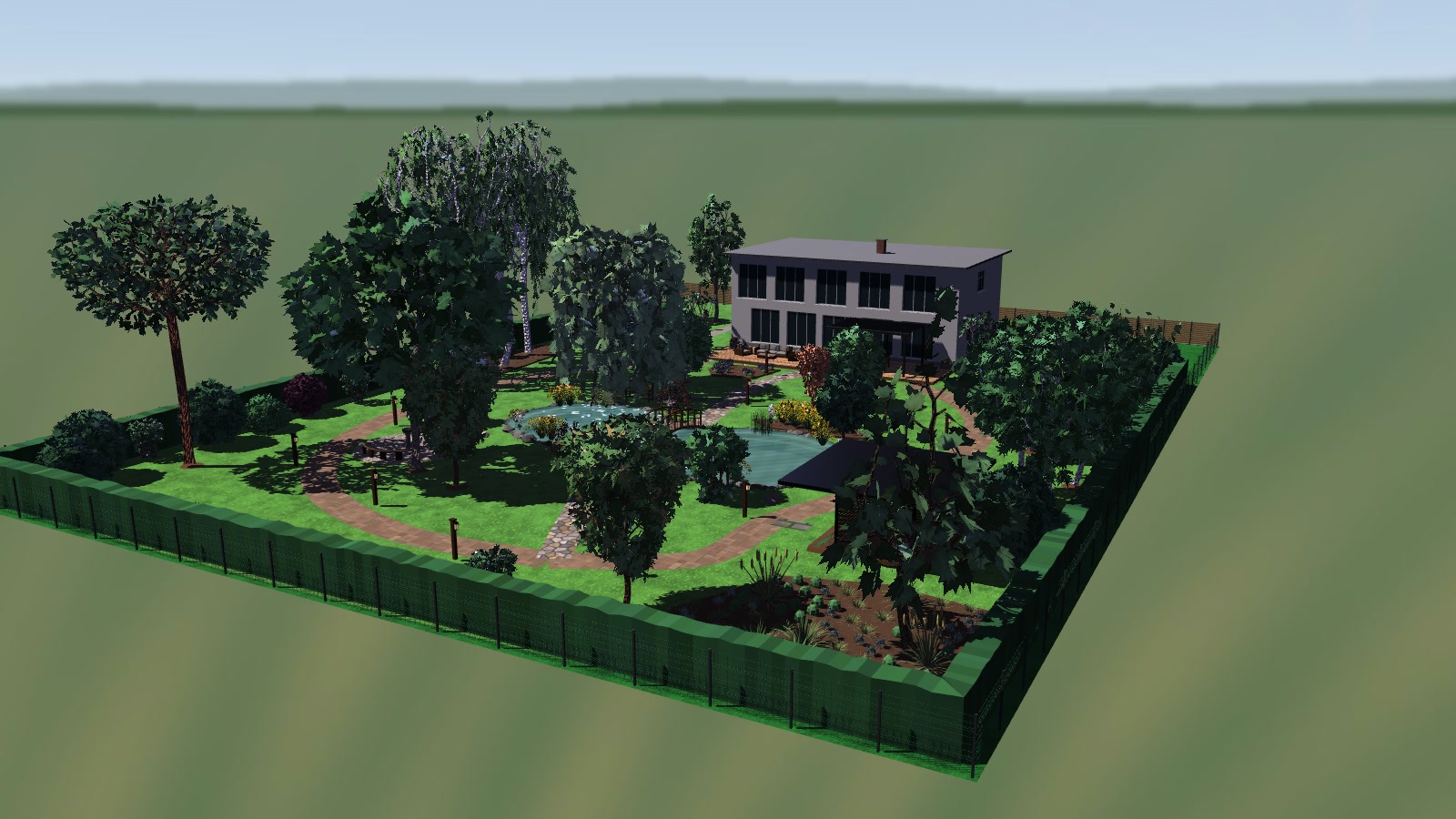
A 3D website grabs attention. A 3D website that takes ten seconds to open on a mid-range phone does not. Most visits to a local business come from a phone, and people who wait too long leave before seeing anything. The good news: 3D on the web can be light if it is decided well from the start.
What makes a 3D website slow
It is almost always one of these four things:
- Models that are too heavy. A model exported from a design program can have millions of polygons and textures of several megabytes. The visitor does not need them.
- Uncompressed textures. They usually weigh more than the geometry itself.
- Everything loads at once. The page is not shown until the last file has arrived.
- The device can't keep up. An older phone draws fewer frames per second than a computer, and a scene made for a computer stutters.
How to avoid it
glTF models. It is the standard 3D format for the web, and it supports geometry and texture compression. A well-prepared model loses weight without losing the shape you see on screen.
Fewer polygons where nobody looks. What the visitor sees up close gets detail; what is far away or behind is simplified.
Progressive loading. The text, the layout and a first frame of the scene appear first; the full 3D arrives afterwards. The visitor can read and tap in the meantime.
Quality that adapts. The scene picks its level of detail to suit the device. On our own website there are three quality levels (high, medium and light) and a version without 3D.
A version without 3D. Some visitors have old devices, battery saving on, or simply don't want animation. A good 3D website keeps working for them: same content, same buttons, no scene.
Three.js and WebGPU
Three.js is the most widely used 3D library for the web and the one we use. Recent versions draw with WebGPU, the new browser technology for using the graphics card, and fall back to WebGL when WebGPU is not available. Nothing changes for the visitor, except that on compatible devices the scene runs more smoothly.
An example with numbers
The estudio MY website is a full 3D scene with sound and animation. Its 3D library weighs about 258 KB compressed and the page's own code about 64 KB. We designed the page so that text and navigation are available without waiting for the scene, and we check it at desktop and mobile screen sizes. These are our figures, from our own site: every project is measured separately.
How to tell if your website is fast
Google measures loading experience with three indicators (Core Web Vitals). The easiest to understand is LCP: the time until the main content appears. Google considers 2.5 seconds or less good. You can test your site free on PageSpeed Insights, choosing the mobile view.
When you don't need 3D
If your website only informs (opening hours, menu, contact), 3D adds nothing and a simple, fast site sells more. 3D pays off when a product or a space is better understood by turning it around: a product configurator, a garden project, or a scene people remember your brand by.
Want 3D on your website without losing visits on mobile? Tell us what you want to show and we'll say what level of 3D makes sense. → Web design