3D and web
3D product configurator: when it pays off and how to prepare one
What a 3D product configurator is, which businesses it pays off for, what you need to start and how it connects to your online shop. A practical guide for makers and retailers.
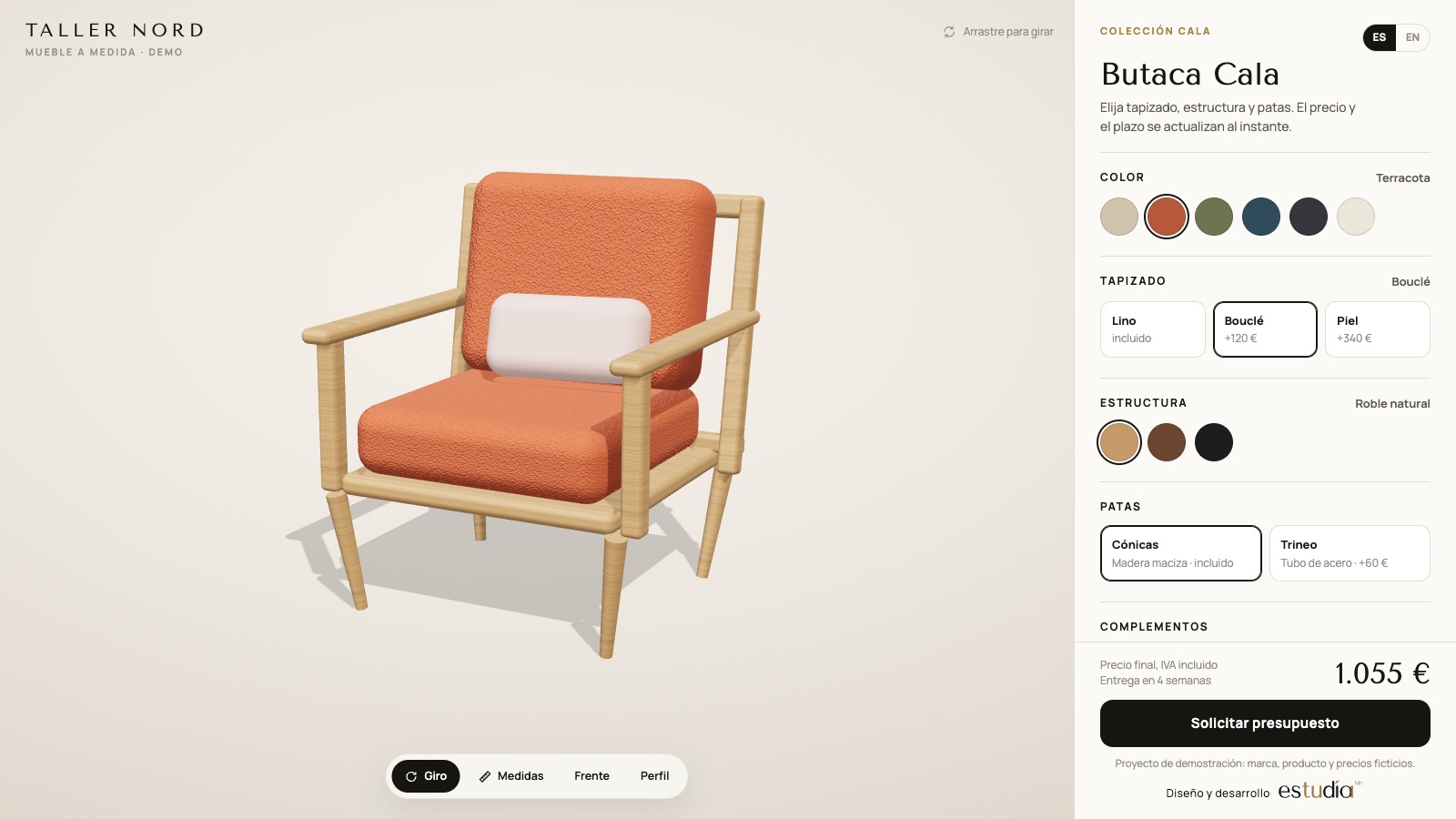
Some products sell well from a photo. Others trigger ten questions before every order: "what about in oak?", "how does it look with grey upholstery?", "will it fit in 1.80 m?". If your team spends hours answering the same questions on WhatsApp and email, a 3D configurator can do that work on your website.
What a 3D configurator is
It is a page on your website where customers see the product in 3D, rotate it with a mouse or a finger and change its options: material, colour, size, parts or extras. Every change appears instantly and, if you wish, price and lead time are recalculated at the same time. When they finish, the configuration reaches your shop as an order, a quote request or a product in the cart.
It runs in the browser: nothing to install, on desktop or mobile.
When it pays off
A configurator makes sense when two or more of these are true:
- The product has many combinations. Furniture, kitchens, doors, windows, pergolas, bicycles — anything made to measure or to order. Photographing every combination is impossible; modelling it once is not.
- Customers hesitate before buying. If most enquiries are "how would it look…?", the configurator answers before they ask.
- Orders arrive with mistakes. Wrong measurements or mixed-up finishes cost money. A configured order arrives complete and unambiguous.
- The price depends on the options. Showing the price instantly saves a manual quote for every enquiry.
If your catalogue is fixed products with two or three variants, good photos and at most a 360° 3D viewer are usually enough.
What you need to start
The models. If the manufacturer has 3D files or technical drawings, we use them. If not, the model is built from photos and measurements. What matters is that every part the customer can change is a separate part of the model.
The product rules. Which options exist, which are compatible, the minimum and maximum sizes you make, how the price is calculated. This usually lives in the maker's head or a spreadsheet; the first step of the project is writing it down.
The materials. Photos or samples of the real fabrics, woods and finishes, so the colour on screen is as close as possible to the product.
Fast on mobile too
A slow configurator gets abandoned. That's why models are optimised for the browser: fewer polygons without losing the shape, compressed textures, and what the customer sees first loads first. We work with Three.js and the glTF format, today's standard for 3D on the web.
An example
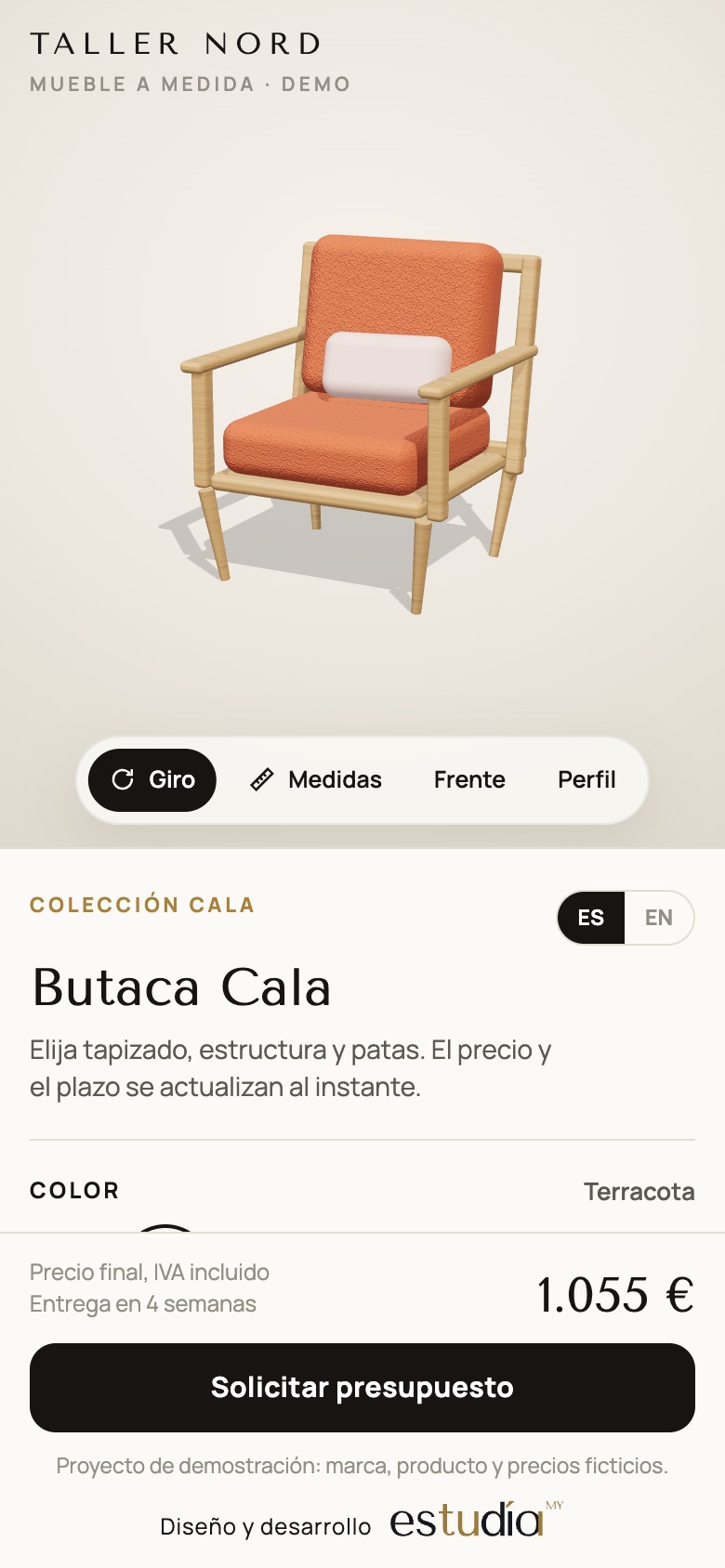
Taller Nord is a demonstration project: a configurator for a made-to-measure armchair with interchangeable frame, upholstery and legs, and a price that updates with every change. The brand and prices are fictitious; the way it works is that of a real project.
Does your product trigger lots of questions before every sale? Send us photos or your catalogue and we'll tell you whether a configurator pays off in your case. → 3D configurators